What Happens When a Designer Opens Xcode
How We Build
Jesper Ellesson is a UX Designer at Fantasy. Over a weekend, he built a gym tracker for iOS using Claude Code and Xcode. He'd never opened Xcode before.
The problem
Designers spend their days building things people can look at, but never touch. Static prototypes get clicked through in meetings, but they can't answer the question clients actually care about: how does this feel in use? Jesper wanted to close that gap himself, on his own time, with tools that were finally good enough to let a designer ship real software.
What made you actually do this?
“I’d been seeing colleagues build real products with AI tools, and I wanted to experience that workflow for myself. I’ve been building websites and digital products since I was a teenager, but native app development always felt like it demanded months of learning before you could make anything real.
“Once I saw how quickly people were going from an idea to working software, that barrier was gone. I’d always wanted to build an iOS app, and I realized there was nothing stopping me anymore. So I found some time and got to work.
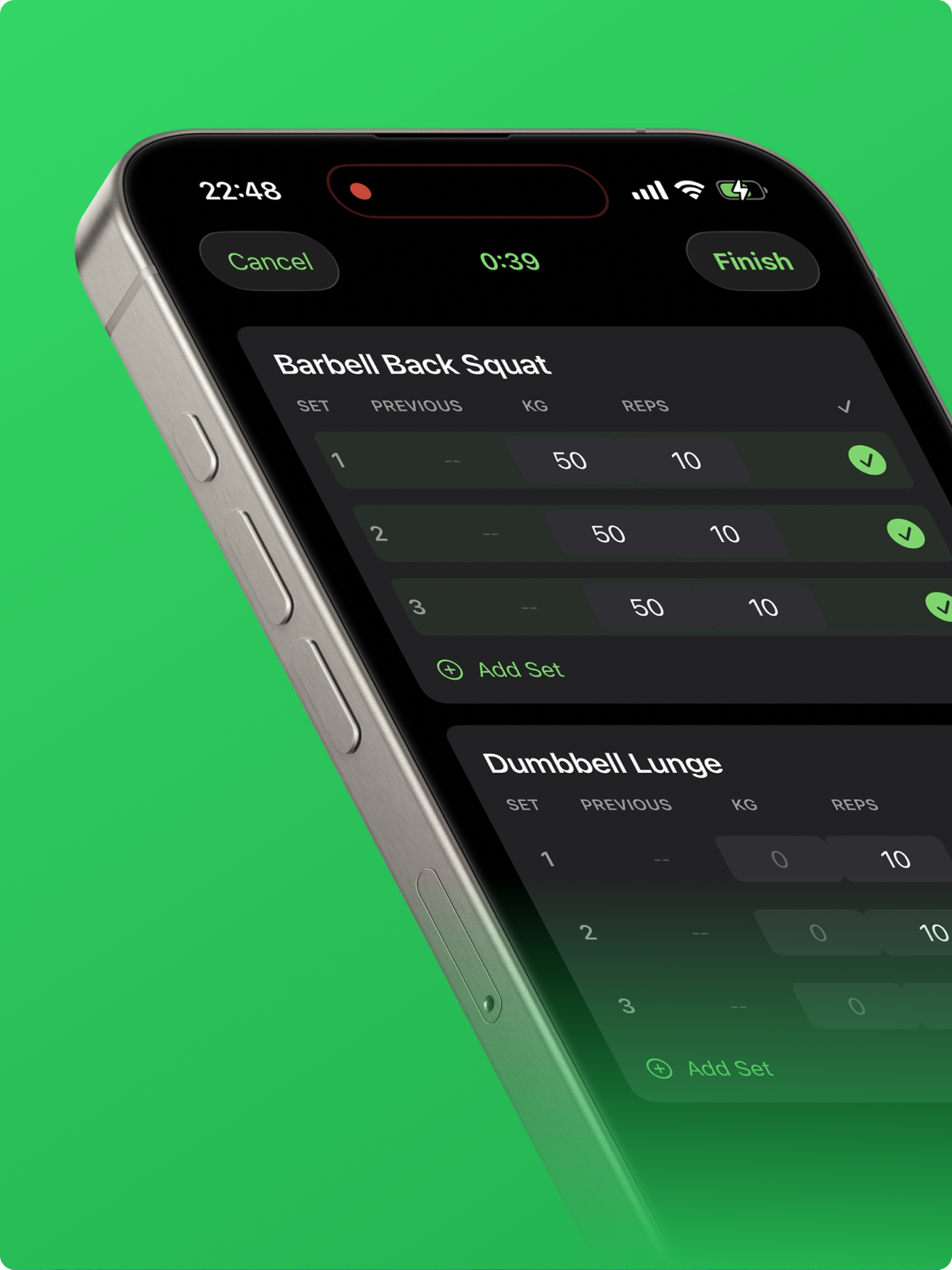
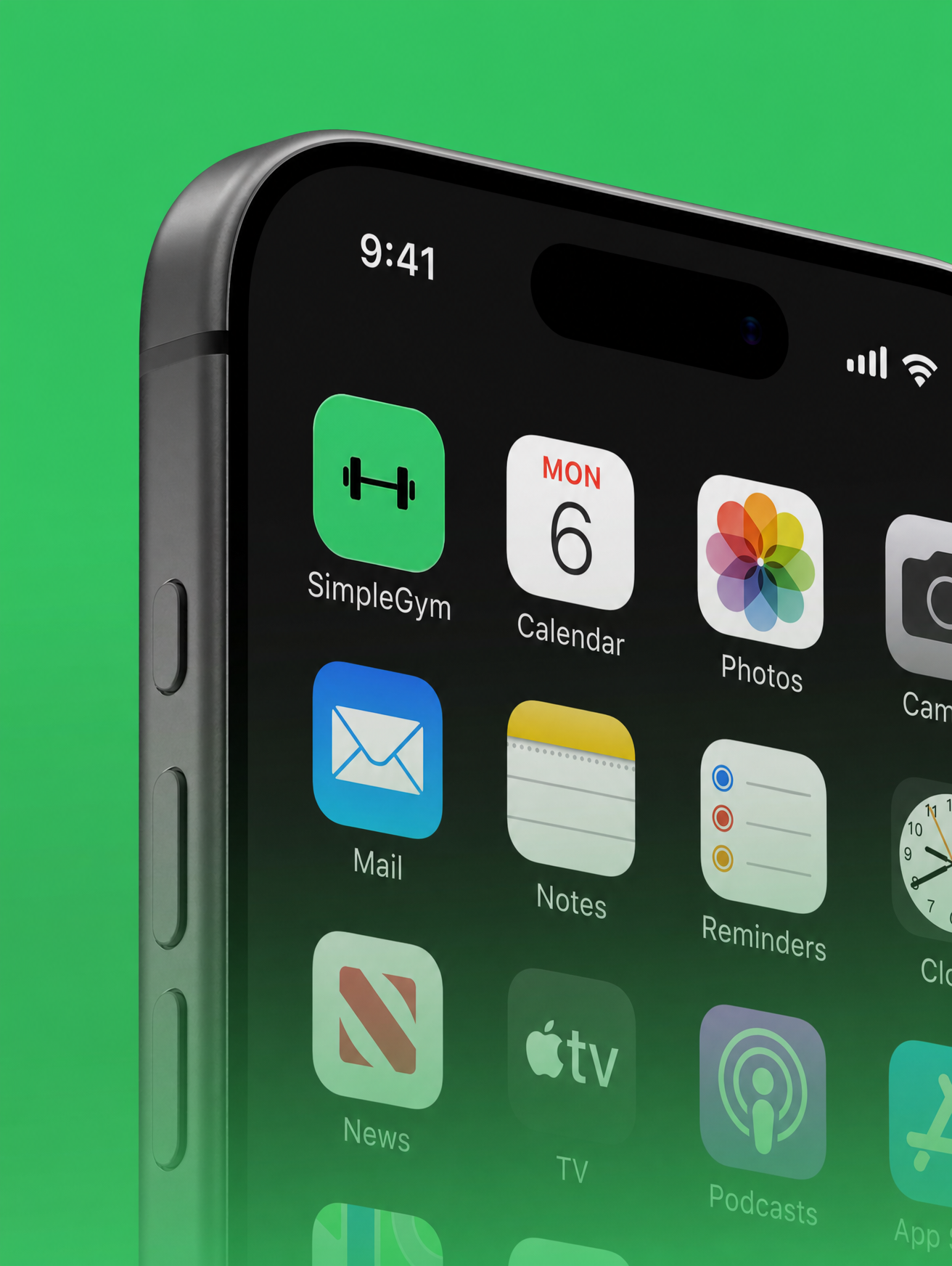
“The gym tracker was a deliberate choice. I’ve tried plenty of gym apps, and they bury the basics under paywalls and features I don’t need. When I’m at the gym I need three things: my routine, my weights, and a timer. I wanted an app with exactly that focus.”
What did your first hour in Xcode look like?
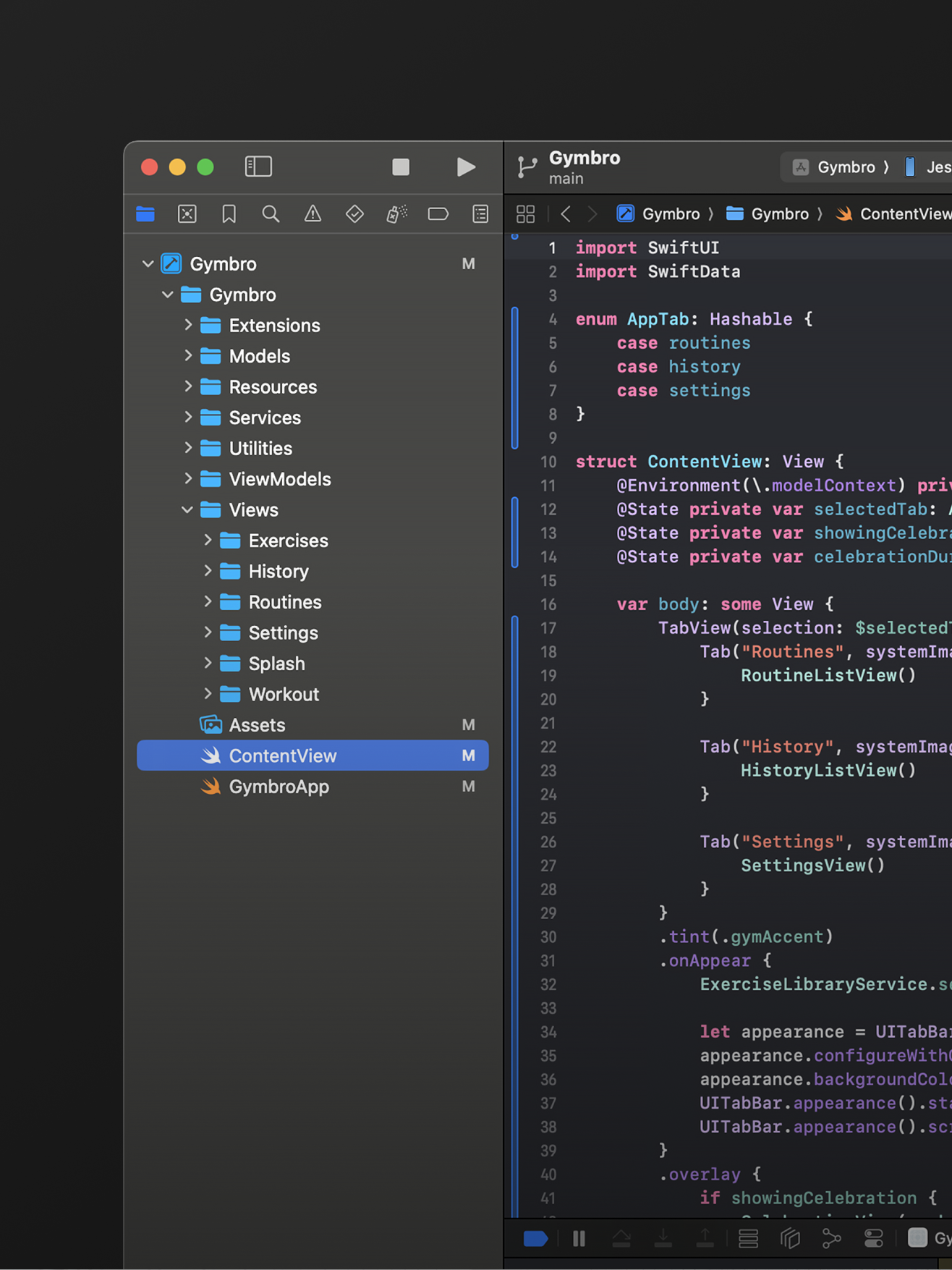
“I’d never opened Xcode before, so I started with a YouTube tutorial from Alex Finn that walked through the basics of using Claude Code with Xcode. Getting the project running was fairly straightforward.
“The biggest hurdle was actually deploying it to my phone. The tooling around certificates, Developer Mode, and getting a build onto a physical device isn’t intuitive the first time through. I used ChatGPT to troubleshoot the setup, and once everything was configured, the rest went smoothly.
“Ironically, setting up the development environment was harder than building the app itself.”
Where did you start with prompts?
“The initial prompt went something like this:
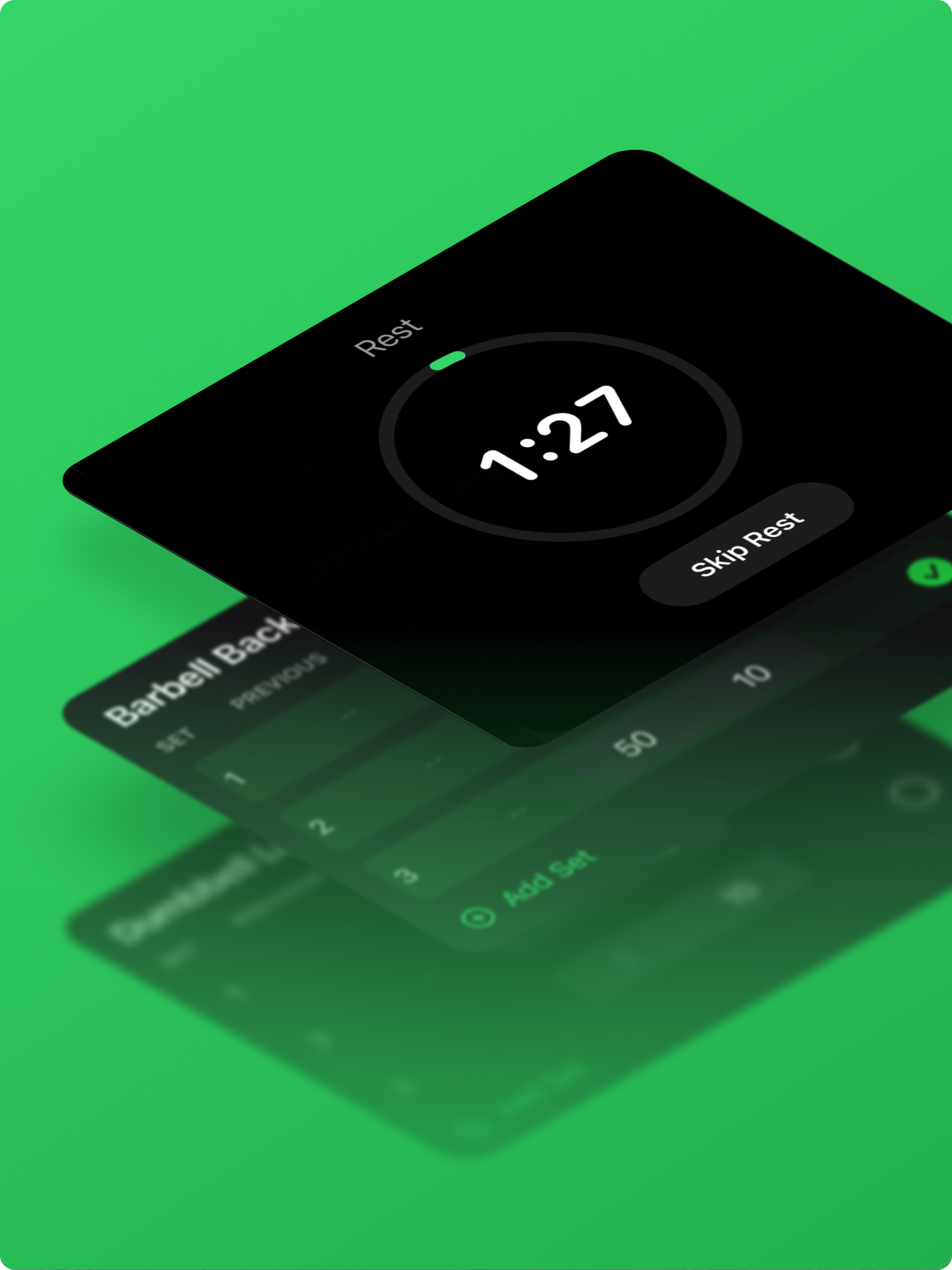
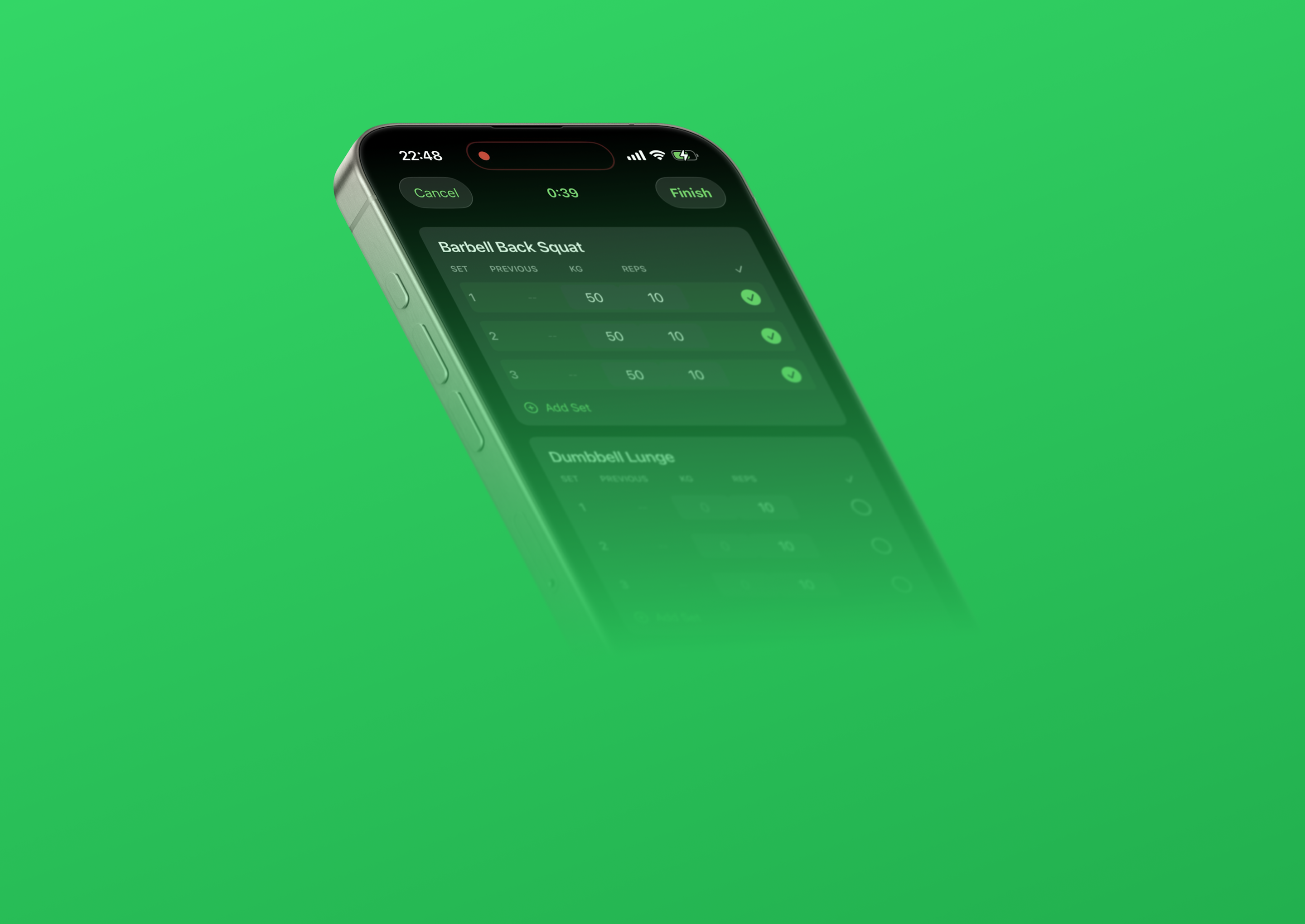
"I want to build a simple iPhone app in Xcode that helps me at the gym. I need it to be able to create routines. I need to be able to add exercises within that routine. I need to be able to search from a library of common exercises to add to a routine. I need to be able to input what weight and how many reps I did for that exercise. I need to be able to see the weight and sets I did previously. I need to be able to reorder the exercises within the routine. I want to be able to start a routine, and when I start a routine I need a rest timer between each set. Once I’m finished with the routine, I want a list view of all my previous completed routines.
“A colleague recommended using the Planner inside Claude Code, and it turned out to be the right call. I gave it a product brief and some light art direction. It asked me a few clarifying questions and generated an implementation plan, and not long after I approved it, I had a working version running on my phone.”
Did it break down at any point?
“Overall it just worked, which surprised me. Most of the effort became testing: finding edge cases and refining the experience. For example, there was no way to dismiss the keyboard after entering a weight. I described the issue in plain language and Claude fixed it immediately.
“The debugging stayed conversational the whole way through. I could describe the behavior from a user’s perspective instead of digging through implementation details, and Claude understood the broader context because it had been part of building the product from the beginning.”
When did it click for you?
“After a couple of rounds of testing and fixing bugs, I realized how fast the iteration loop had become. A new idea no longer meant a development project. I could prototype an improvement, test it on my phone, and refine it in the same sitting.
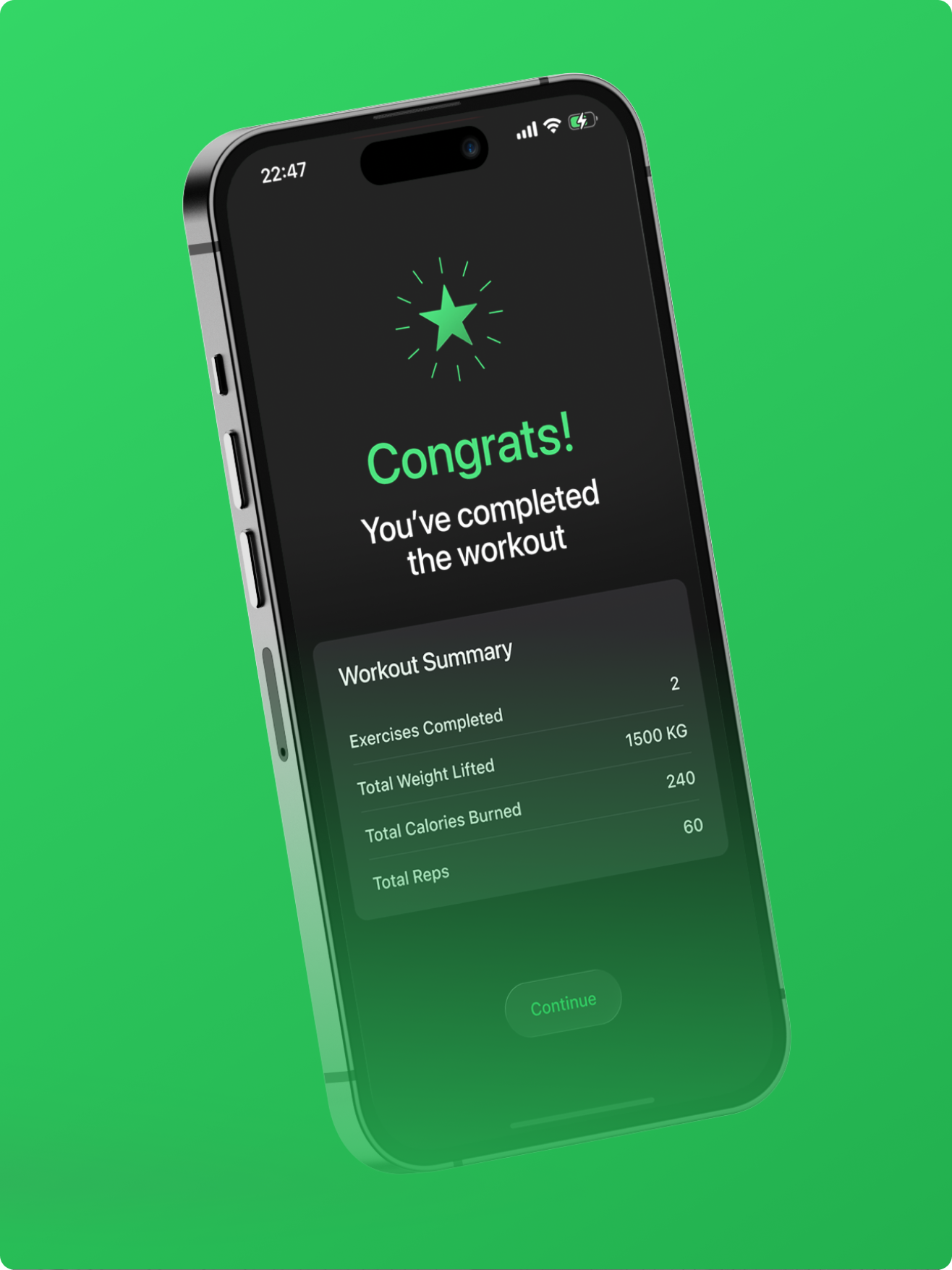
“That changed how I approached the whole build. I ended up working until four in the morning because I kept finding small improvements: a better onboarding experience, a workout completion animation, the little details that make a product feel finished.
“It was honestly at that point when it graduated from an experiment to something real. I could imagine an interaction, implement it, experience it on my phone, see what worked, and go again within minutes. That loop was a bit addictive. Improving an experience at that speed felt like a new kind of design work.”
What would you do differently next time?
“I’d probably use React Native so I could build for both iOS and Android from the start. I’d also spend more time defining the product upfront, before writing any code. The stronger the product thinking at the beginning, the smoother the build.
“That was the biggest takeaway for me. The skills I use every day as a designer turned out to be the most valuable ones in the process. AI lowered the implementation barrier, and that put more weight on the product thinking. The decisions that shaped the app were the ones I was already trained to make.”
Jesper spent a weekend building an app he now uses at the gym every week. Claude Code handled the Swift. The hardest part of the whole experience was environment setup: developer mode, device provisioning, getting the build onto his phone.
Once that was sorted, the rest was the work he already does every day: defining features, thinking through flows, deciding what the experience should feel like in someone’s hand. But what made the project possible was the expertise Jesper already had.
Want to test it for yourself? SimpleGym is now live on the App Store.
How to build your first iOS app with Claude Code, even if you've never coded
Install Xcode from the Mac App Store and install Claude Code. You don't need to know Swift: Claude Code writes it, and Xcode builds and runs it. If you've never opened Xcode, a short beginner video helps; Jesper searched "Xcode + Claude" on YouTube and followed Alex Finn's walkthrough. Create a new SwiftUI project and point Claude Code at that folder.
Before building, write the full feature set as a single paragraph, the way you would brief a designer. Jesper's covered creating routines, adding exercises, searching a library of common exercises, inputting weight and reps, seeing previous weights and sets, reordering exercises, starting a routine with a rest timer between sets, and a list view of finished routines. This step is your design work.
Open Claude Code in plan mode, paste your paragraph plus a little art direction, and have it propose an implementation plan before writing any code. Use "AskUserQuestion" and answer its clarifying questions, approve the plan, and let it build the first working version.
This might be the hardest step. On your phone: Settings, Privacy and Security, Developer Mode, toggle on, restart. In Xcode: Settings, Accounts, add your Apple ID (it becomes a free Personal Team); in Signing and Capabilities, turn on Automatically manage signing and pick that team; connect your iPhone, tap Trust, select it, and press Run. A free Apple ID installs to your own device (signing renews every 7 days); the paid $99 per year program is only for publishing to the App Store.
As you test on your phone you will hit small bugs (Jesper's example: tapping the weight field left no way to dismiss the keyboard). Describe each one to Claude Code in plain English; because it built the app, it has the context to fix it fast. You'll never have to read the code to say what feels wrong.
Once the core works, add the touches that make it feel real (Jesper added a splash screen and a finish animation). When ready, enroll in the Apple Developer Program and submit to the App Store.
Frequently asked questions
Yes. Jesper Ellesson, a UX designer at Fantasy, had never opened Xcode before and had always assumed native app development demanded months of learning. Over a weekend he shipped a working gym tracker to the App Store using Claude Code, which handled the Swift. He did not need to read or write the code himself. The skill that carried the project was the one he already had as a designer: deciding what the app should do and how it should work.
You set the iPhone into Developer Mode and install the build on the device. For Jesper this was the hardest part of the whole project. Getting what Claude Code had made onto his actual phone was not obvious, and he had to troubleshoot with ChatGPT to get the phone into Developer Mode and the build installed. Once that environment setup was done, the rest was the design work he does every day.
The judgment work is the same craft a designer already practices: defining the features, thinking through the user flows, and deciding how someone would actually use the thing in context. Jesper's takeaway was that this thinking, the part that felt most familiar to him, is what carried the project all the way to a working app. Claude Code produced the code, and the decisions about features and how the experience should feel in someone's hand were his.
Up Next
The Product Decision No Algorithm Could Make
Shipping a flight-deal app solo in five days with Claude Code.
How Fantasy Shipped LIV Golf in 72 Days
Shipping LIV Golf's app in 72 days, AI at every layer.
Live Demo: Agent-to-Agent Experiences
Unveiling agent-to-agent experiences, the new standard for the internet.