When the Design System Writes the Code
How We Build
Caroline Hilman is a Design Director at Fantasy. She wanted to know whether a design system built for a human team could brief an AI directly. Then she built a solution to prove it could.
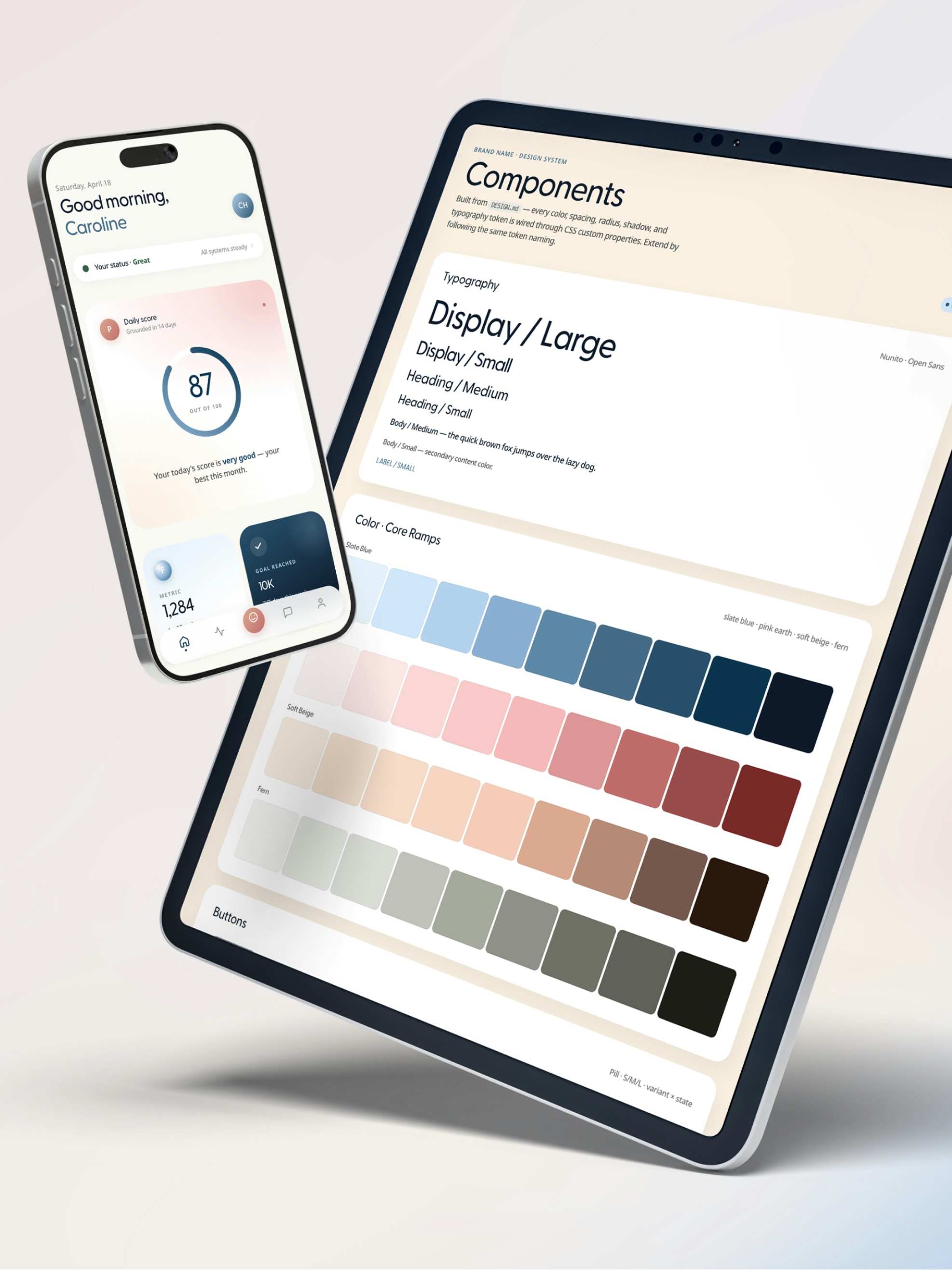
Why make a design system AI-ready?
The question showed up in Fantasy’s Slack months before the experiment, while her team was deep in a vision phase on a client project.
“I’m wondering if Claude can generate the primitives and semantics tokens for the dev team based on the design provided. We’re working through the base styles right now and have been exploring naming conventions that would work for the LLM. All manual work that hopefully can be automated?”
The design system her team went on to deliver that spring gave her the test case. It was, in her words, “a really solid DS,” which made it a fair test.
“My theory was that a well-structured design system could become more than a reference for designers, it could serve as the source of truth for AI. If we build the right foundation (design tokens with simple and scalable naming conventions, component variants, states, behaviors, and design intent documentation), AI should be able to read and generate live, production-ready components.”
How does a design system become machine-readable?
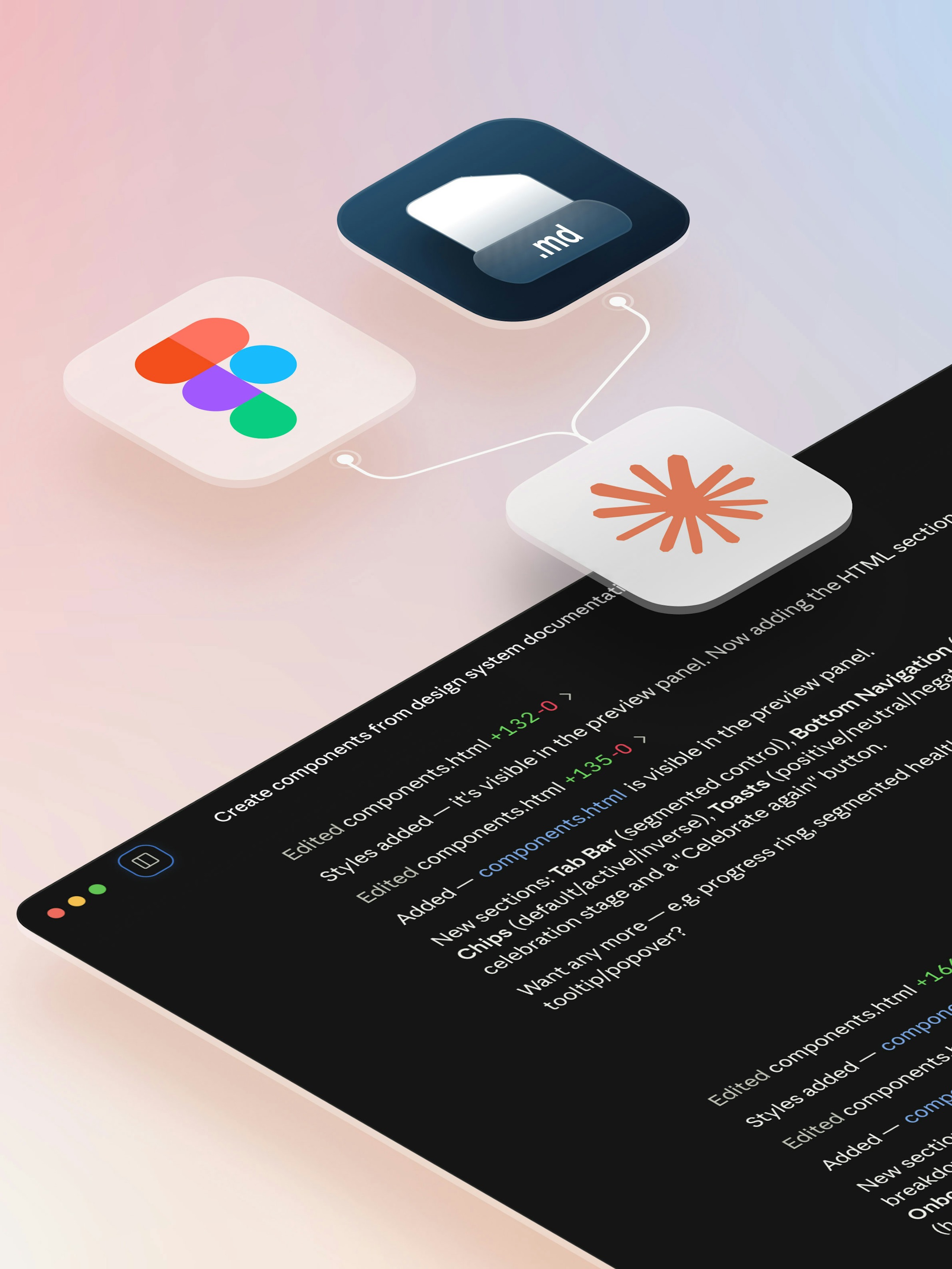
A Figma plugin called DesignBridge handled the translation.
“DesignBridge extracts the design system into a structured .md file that acts as a machine-readable representation of the system. The file includes design tokens (color, typography, spacing, radius, elevation), component intents, anatomy, variants, states, relationships between components, and any guidance we’ve documented.”
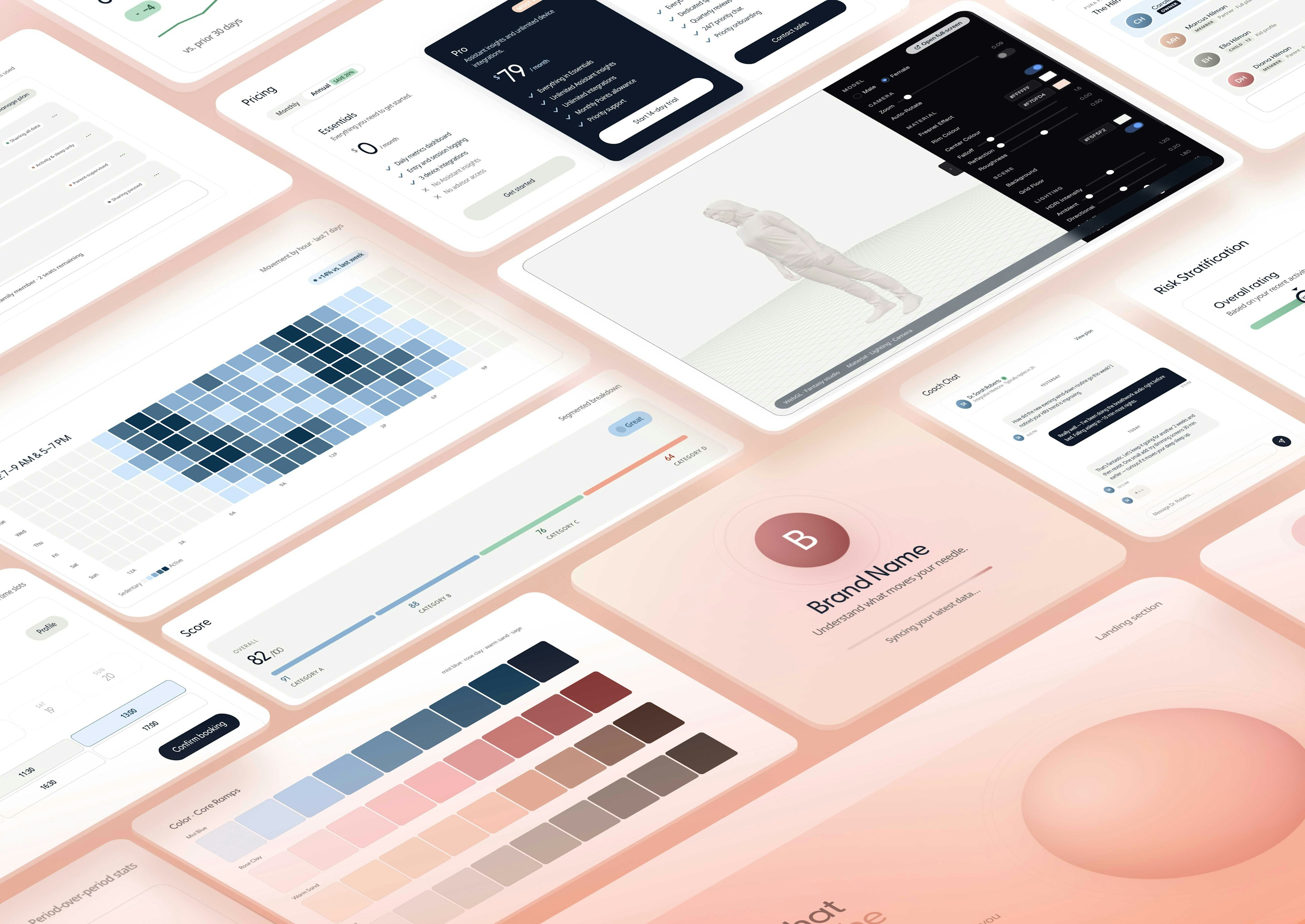
From there the steps were short: upload the file to Claude Code, prompt it to generate new components (responsive, with states and micro-animations), then assemble a full page by listing the components she wanted.
Do you name tokens differently for an LLM?
“Interestingly, I didn’t find much of a difference. The key wasn’t naming them differently for an LLM, it was naming them well. Clear, consistent, and scalable token names worked equally well for both AI and human developers.”
What does this solve for a design team?
For Caroline’s team, the biggest win comes with the handoff. Defining a three-level token system, building components and their variants, writing documentation, and handling all the manual work are all part of the translation that the extracted file can help automate and streamline. Beyond the handoff, the team gets a way to test ideas as working components and pages while the design system itself does the briefing.
“I see AI as amplifying designers rather than replacing them. As the technology evolves, designers will spend less time producing repetitive UI components and more time defining the robust systems, design principles, and experiences that AI can continuously build from.”
What would make the output production-ready?
While she found it useful for exploration, Caroline found that the tool she used Claude to build, and its deliverables, would have a hard time being production-ready without a human designer’s pass.
“For me, production-ready means the output is ready to ship with only minimal adjustments. AI is already capable of generating highly usable results, and some are even production-ready. However, a designer is still needed to review and refine the details, such as alignment, spacing, visual consistency, and ensure the final quality.”
Where is the line between AI and the designer now?
“I think that line is definitely moving, and it’s moving fast. Today, AI is capable of implementing design systems, generating components, and assembling pages, as long as it has the right structured foundation. Where designers still add the most value is in shaping the user experience, establishing the visual language, defining the system itself, and deciding what should be documented in the system.”
AI is great at executing the system, but it doesn’t define the vision behind it.Caroline Hilman, Design Director, Fantasy
So, can the design system write the code?
Most of it, yes. But it’s certainly not perfect. Caroline shared her takeaway to the team alongside the experiment demo links via Slack:
“The results still feel like vibe-coded design rather than polished high-quality work that requires designers’ craft. They’re still useful for visual exploration and prototyping, but lack the detail for complex design.”
“AI was great at generating something that looked right, but it often missed fundamental design details, such as alignment and spacing, that a designer would never miss.”
Caroline’s system was structured well enough for the model to understand without additional briefing. What was once a manual translation and handoff process became a simple export and prompt, allowing designers to shift their focus from production to review, refinement, and quality assurance.
How to generate UI components from a Figma design system with Claude Code
Caroline’s hypothesis held because the design system was already well structured. Clear, scalable token names, defined component variants and states, and documented design intent are what let the AI read the system correctly. Skip this step and you’ll get the vibe-coded output Caroline describes above.
Caroline found that the same names that serve a human developer serve the AI equally well, so there’s no separate naming scheme to invent for the model.
Use DesignBridge, a Figma plugin that scans your design system and exports a structured DESIGN.md covering tokens, styles, component anatomy, variants, and interaction states, along with CSS custom properties and a Tailwind config. The file can then be used as context for AI coding tools.
Upload the DESIGN.md as context, then prompt the AI to build components with the required states and micro-animations. To create a full page, simply define the components it should include, similar to how Caroline assembled the mobile experience.
The output may look right, but it can still miss fundamentals like alignment and spacing, so always plan time for a designer to refine details and check visual consistency before anything ships.
Frequently asked questions
Yes, if the system is well structured. In a Fantasy test, Design Director Caroline Hilman translated a design system into machine-readable context for Claude Code. The result was functional, responsive components that could be assembled into a full page from a simple component list with designer review and refinement as the final step.
DesignBridge is a free Figma plugin that translates a design system into a structured DESIGN.md, including tokens, component anatomy, variants, and states, along with a Tailwind config. AI coding tools like Claude Code read this file as context to generate code that reflects the design system.
It removes manual translation work and opens the system to AI tools. Caroline’s starting point was preparing primitives and semantics tokens for developers by hand; extracting the system to a structured file covers that handoff and gives a tool like Claude Code the context to generate working components for exploration and prototyping.
No. Caroline expected the LLM to require a different token structure, but found that wasn’t really the case. Token names that were clear, consistent, and scalable for human developers also worked well for the LLM without modification.
Some of it, and the rest is close. Production-ready, as Caroline defines it, means ready to ship with only minimal adjustments, and getting there still takes an experienced designer reviewing alignment, spacing, and visual consistency.
Up Next
What Happens When a Designer Opens XCode
The first installment of Fantasy's 'How We Build' series.
The Product Decision No Algorithm Could Make
Shipping a flight-deal app solo in five days with Claude Code.
The Interface AI Couldn't Design
Building a node-based AI workflow tool for architectural visualization.