The Timeline That Builds Itself
How We Build
João Verissimo is a Motion Director at Fantasy. Using Claude Code, he built a tool that turns a brief into a script, an AI voiceover, and a Premiere-ready timeline.
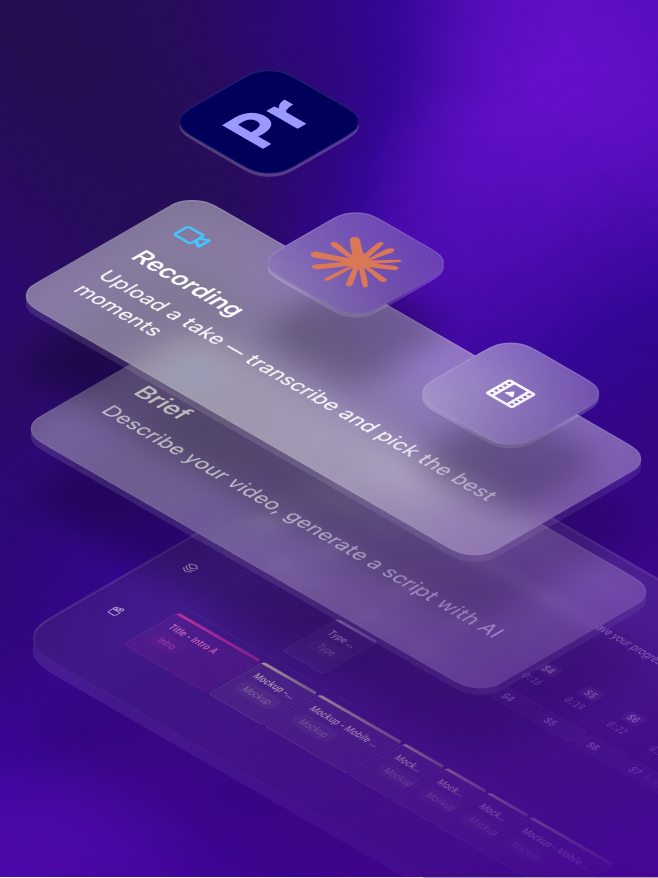
What made him build it?
João saw an opportunity to automate a MOGRT-based editing process the team had created. The manual version had existed for two years, so he knew exactly what he was trying to automate.
"It wasn't so much a frustration, but an opportunity that came to my mind with all that the team was sharing internally. I figured I'd give it a go and see if it was possible to create a tool that could 'transform' our manual process into a more automated one. I had all the information on my side and had been working on it for a couple of years, so it felt like if anyone was going to try and make this work, I was the right person to give it a shot."
What did the first session in Claude Code look like?
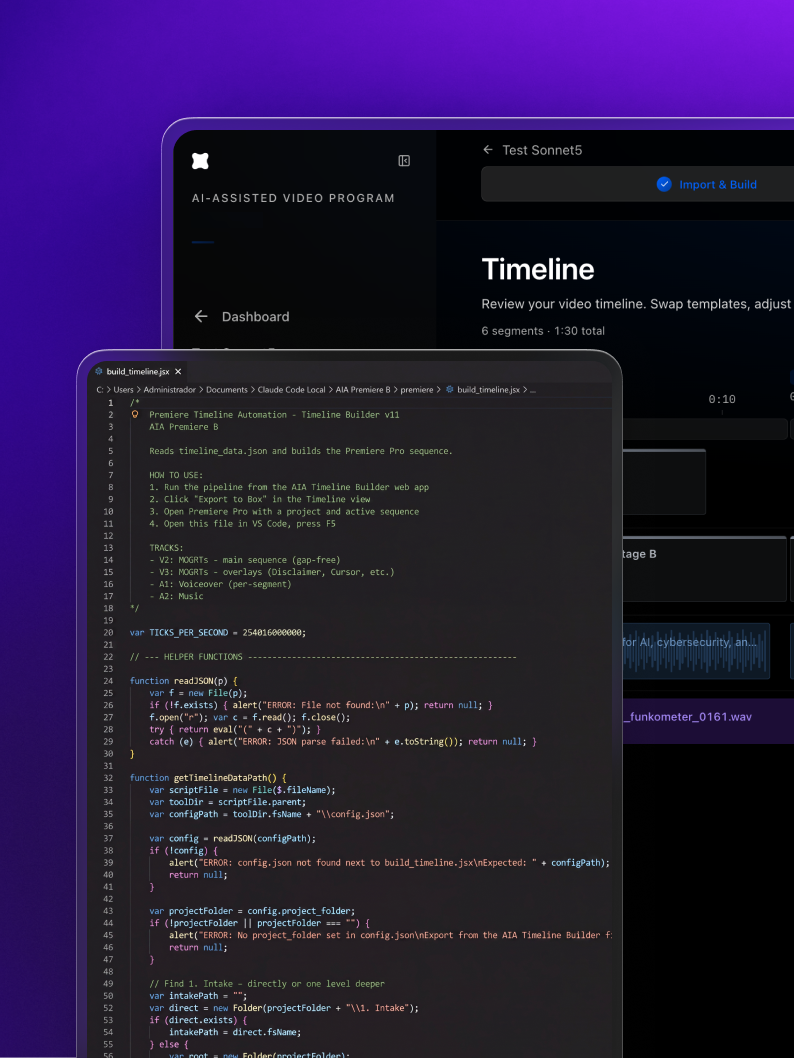
The first hurdle to be cleared was finding out whether Code could even touch Premiere at all, since everything that followed would depend on the answer.
"First thing I tried was really just exploring if there could be a script that could communicate with Premiere and make edits directly in the software. Since this whole process is based on Mogrts, that would be critical. If there was not a way to make that happen, I'd probably shift my approach to something else.
"The first explorations worked almost at first try, and at that time I was even only working in Claude Chat, downloading the files and then running on my machine. The shift to Claude Code was inevitable, and that's when I started to focus on what's needed for a product like this to work not only on my computer but across other machines, to make this a collaborative tool."
When did it stop being a side project?
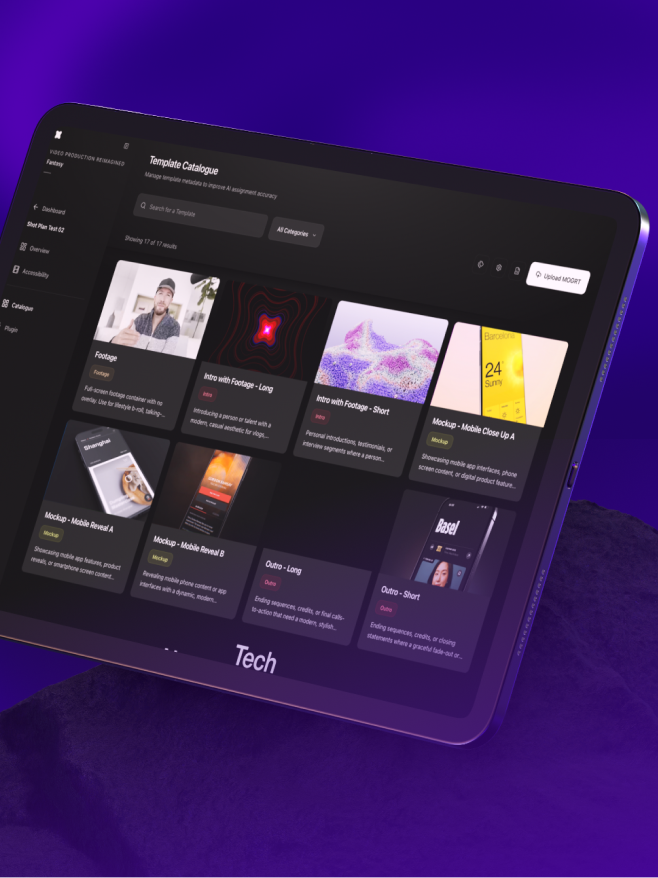
Creating a tool the team could use on projects was always the target. João kept his own doubts in front of him to push the work further, and within a month it went from a personal experiment to a tool running on a live client engagement.
"That was always the main goal. Of course initially I had doubts if it was possible to get there. I tend to be more skeptic in order to push my ideas and work as far as possible, to make it real and not just a vague idea of something that could work. But the more time I dedicated, the closer I got, and eventually it became a usable tool and a new way of working for the manual process we had defined a while back."
Did building it "in the open" change the outcome?
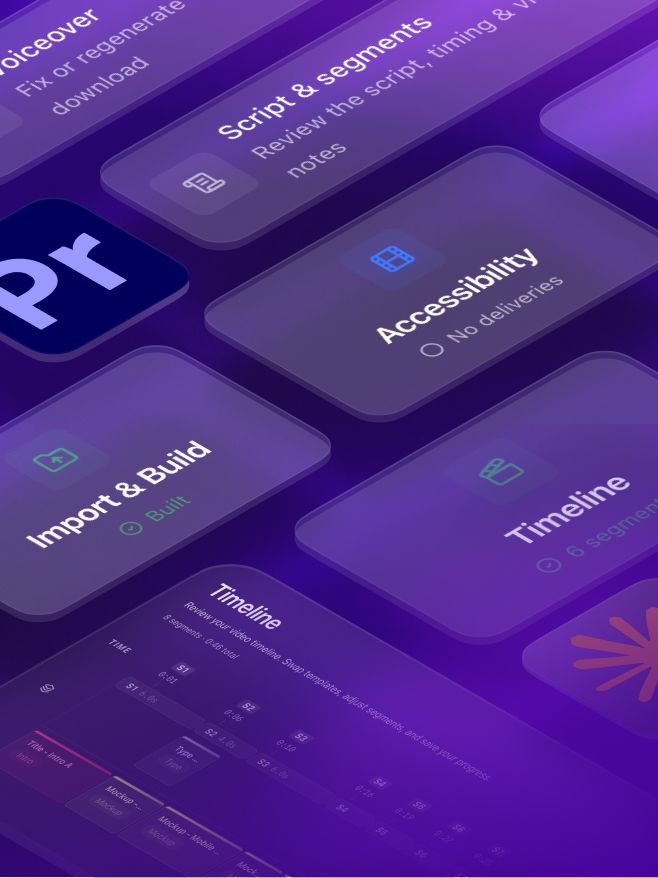
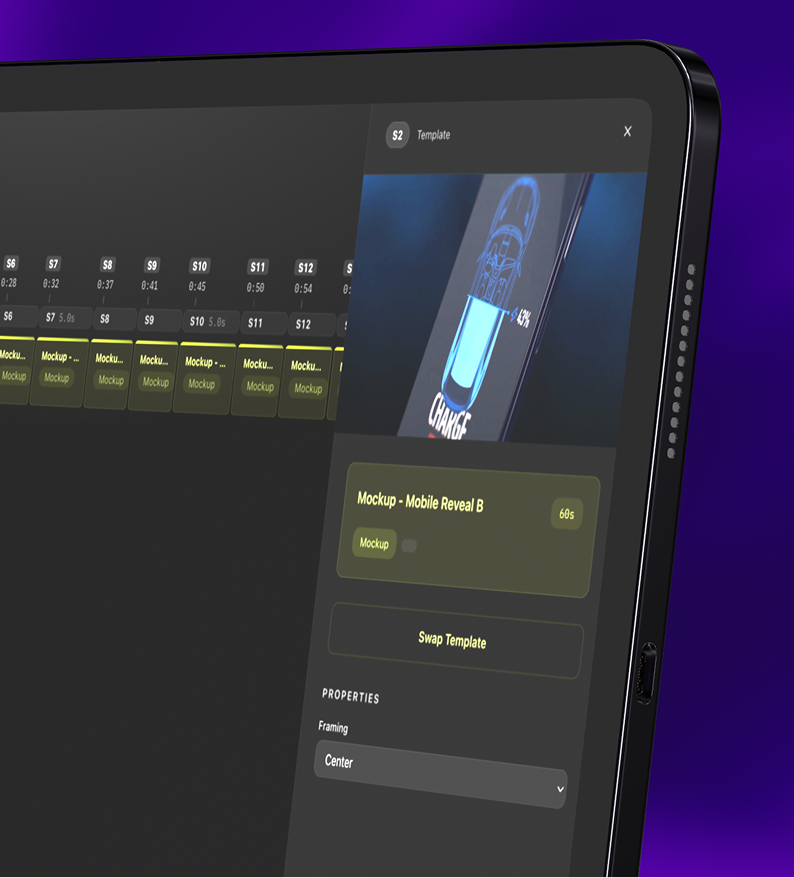
João kept the team up-to-date along the way. He posted a new Loom every week for a month, from the first rough script to a working tool deployed live. His peers' reactions fed back into what he built.
"I was excited with the progress I was able to achieve as time went by. I started to understand that there was something there that could be interesting not only for the client and process where we already had this going, but also as a discipline. As I was building, I was also talking with teammates whose feedback definitely made me add and/or change some of the features and flows of the tool."
We're making these in a fraction of the time and cost, and they still look and feel bespoke, right down to the brand guidelines.
Where did Claude Code struggle?
The features came together quickly. What took the most time was the tool's own interface, the animations and interactions of the product itself, as opposed to the videos it produces. For a Motion Director, that surface had to feel right and meet his standards before he could ask anyone else to work in it.
"One of the things I noticed that was the hardest part to manage was animations and interactions, which for me are critical, and took a lot more time than I expected to get right."
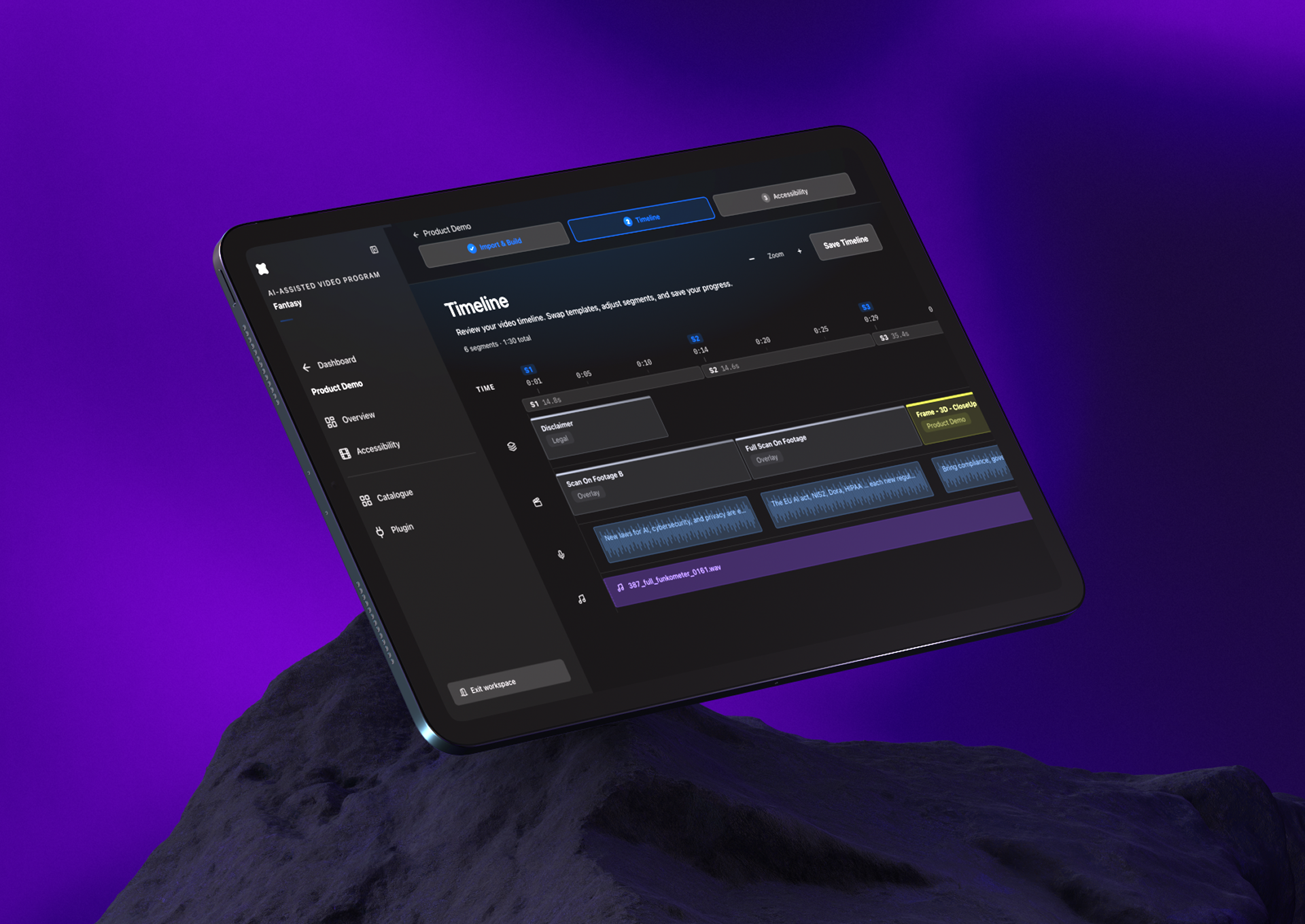
A motion designer converted a manual process into a tool that writes the script, generates the voiceover, and assembles a Premiere-ready timeline, and it moved from his laptop to a live client engagement in about a month. Claude Code built every feature he asked for, which freed him to spend more of his time on the story and flow of the videos themselves. While the final touches and verdict remain with the expert, the tool got him to that finish line faster.
How to build an AI-assisted video production tool with Claude Code
Write out every step of the workflow you want to automate, in order. João had run his MOGRT-based Premiere process by hand for about two years, so he knew exactly what to hand off. That written process is your spec, and the clearer it is, the less you have to explain to Claude Code later.
Find the one integration the whole tool depends on and test it first. João's was whether code could drive Premiere directly. Premiere is scriptable through Adobe's UXP API (the current path in Premiere 2026; the older ExtendScript still works into late 2026), so with Premiere open, have Claude Code write a small script that makes one real edit inside it. If that works, the rest is worth your time.
João's first versions ran in Claude Chat: generate the files, download them, run them locally. That is enough to prove an idea. Once it works, move to Claude Code so the tool becomes a real product that runs across machines instead of only your own.
The workflow was built on MOGRTs, the Motion Graphics Templates edited through Premiere's Essential Graphics panel and populatable from data. Generating a timeline then means generating the data that fills those templates, so every output stays on-brand and an editor can still adjust it afterward.
João layered in script generation, an AI voiceover (through a text-to-speech API such as ElevenLabs), and a brief and setup builder over successive weeks, each from a real gap he hit in use. Build the piece you actually need next, not the whole feature list at once.
João pushed the tool to Vercel so it stopped living on his laptop. The moment a colleague could use it, it became a shared workflow, and shortly after, a tool on a real client engagement. Spend your extra time on the tool's own interface motion and interactions; those were the hardest for Claude Code to get right, and once teammates are opening the product every day, that polish is what makes them trust it.
Frequently asked questions
Yes. Premiere exposes a scripting API, so an AI coding tool like Claude Code can generate scripts that build sequences and populate templates. João paired his tool with a custom Premiere plugin; with the app open, his AI-assisted timeline builder turns a brief into a Premiere-ready timeline.
Through Adobe’s plugin scripting. Premiere 2026 uses the UXP API, and the older ExtendScript is still supported into late 2026. A script running in Premiere can create sequences and drive Motion Graphics Templates from outside data.
A Motion Graphics Template, a reusable animated graphic edited through Premiere's Essential Graphics panel. Its text, color, and layout are exposed as properties, and data-driven MOGRTs can be populated with outside data, which is what lets a tool assemble on-brand edits automatically.
Yes. Text-to-speech APIs such as ElevenLabs turn a script into natural narration, which a production tool can place into the timeline alongside the visuals.
No. João is a Motion Director, not an engineer. But while he described the workflow he already knew and had Claude Code write and connect the code, making the tool truly usable still took real time on his end.
Up Next
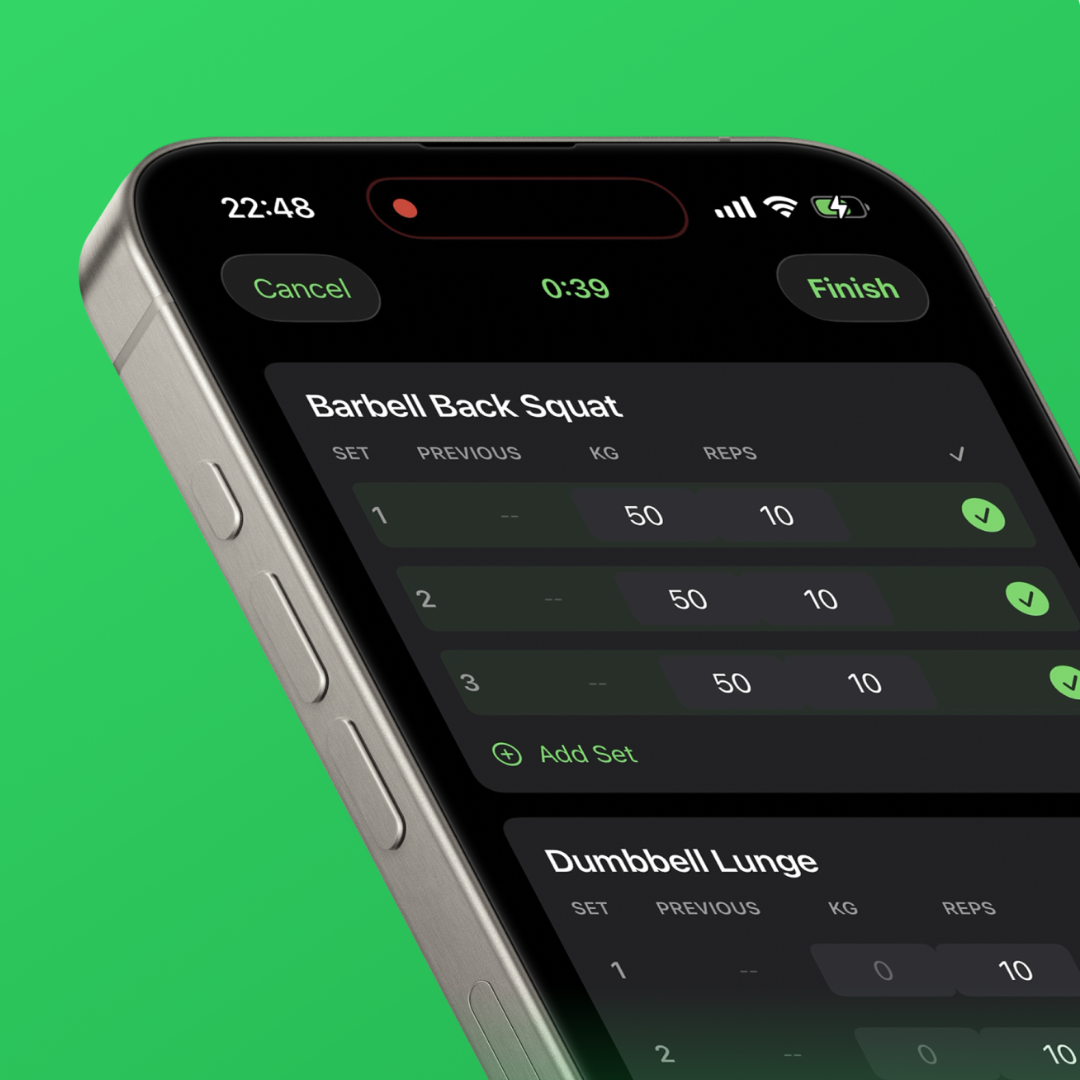
What Happens When a Designer Opens XCode
The first installment of Fantasy's 'How We Build' series.
The Product Decision No Algorithm Could Make
Shipping a flight-deal app solo in five days with Claude Code.
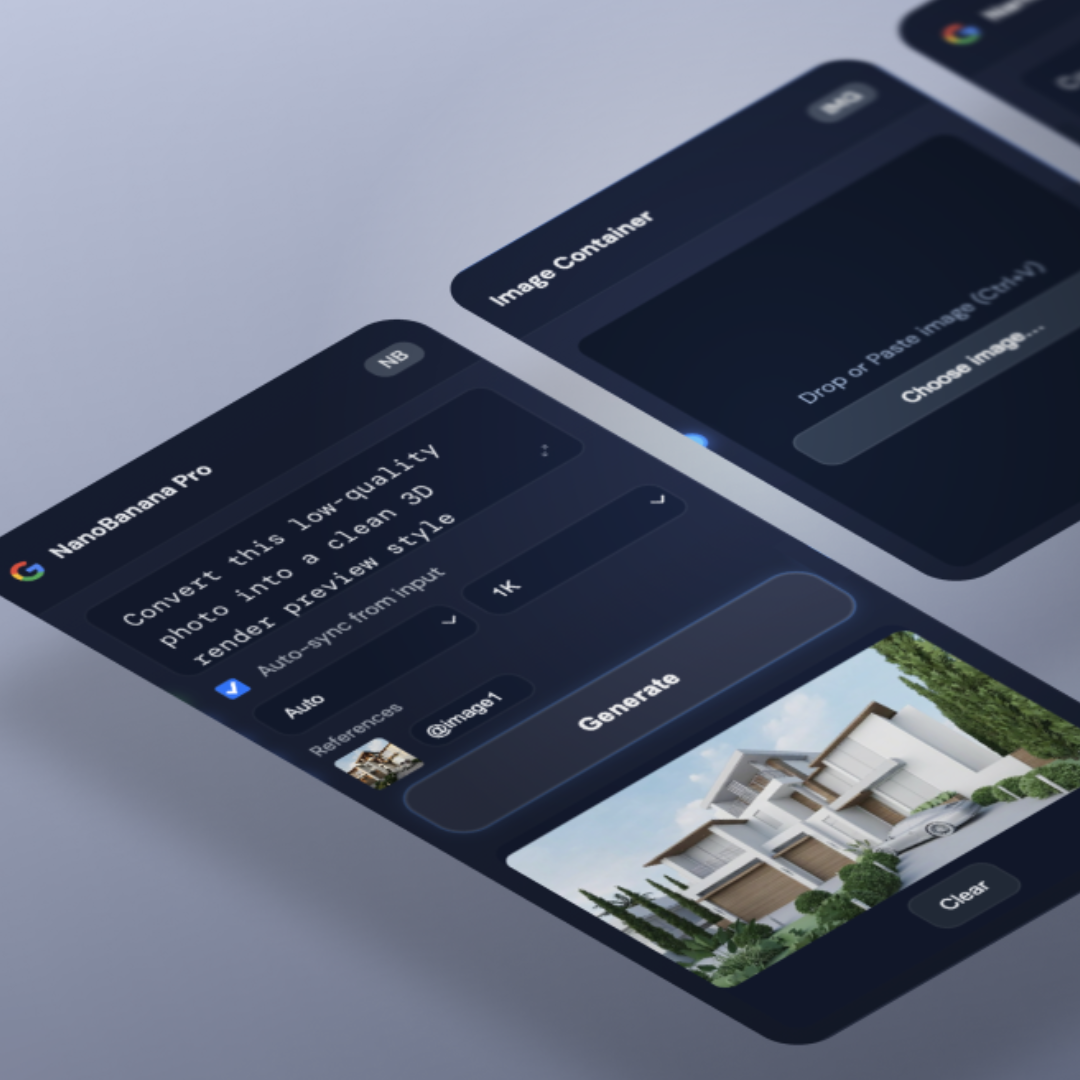
The Interface AI Couldn't Design
Building a node-based AI workflow tool for architectural visualization.